Portfolio for Photographers — EXP0SURE by Tamás Péter — explore this Framer Template on the Framer Marketplace and customize it in Framer's no-code website builder.
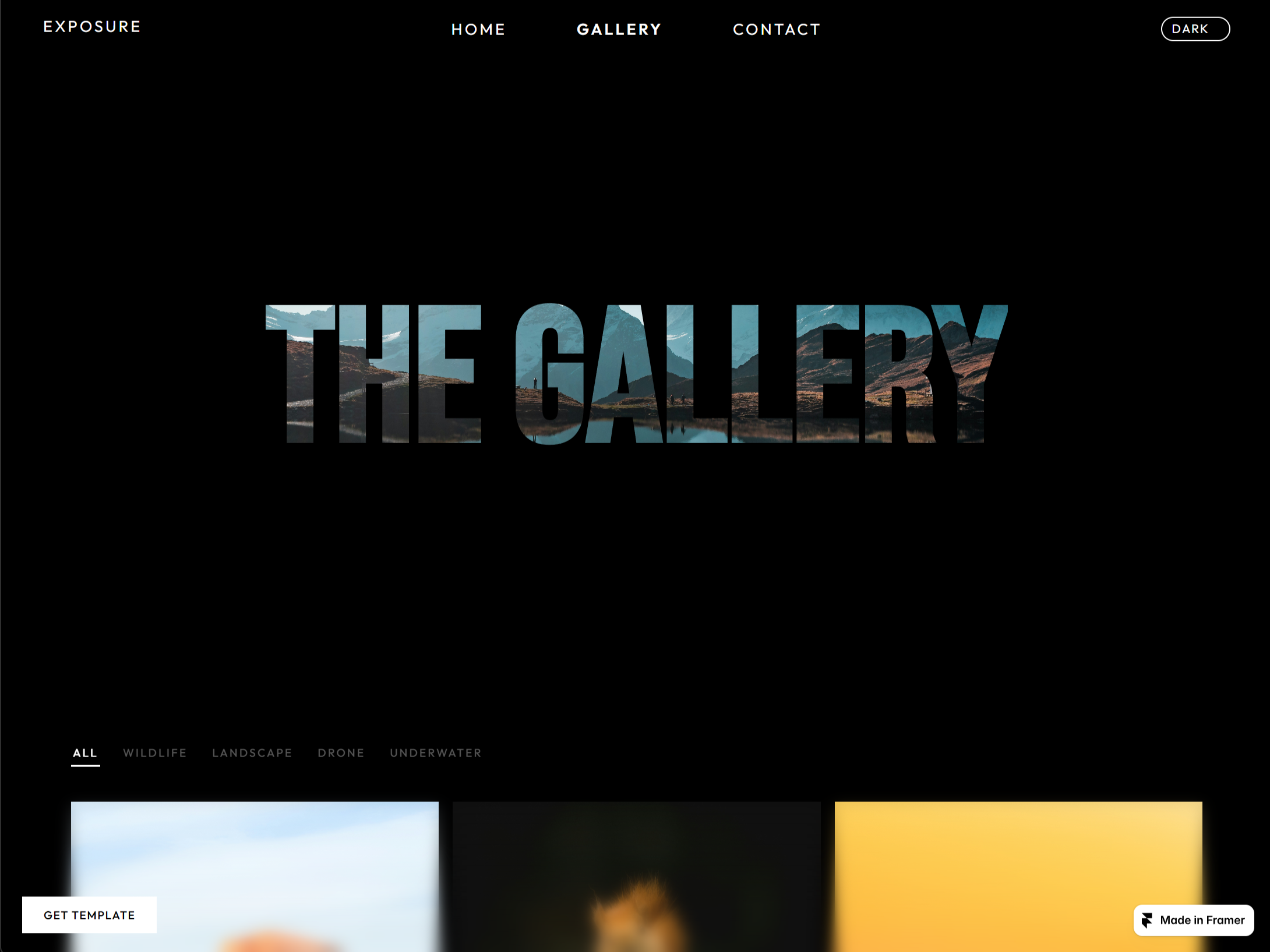
EXPOSURE is a dark, gallery-first portfolio template built for photographers who want their work to be the first thing people see. Three pages plus a custom 404, a CMS-powered gallery, a fullscreen lightbox, and a working contact form. Everything is editable from the Framer panel - no code.
WHAT'S INSIDE
Pages
-
Home, Gallery, Contact + a custom 404
-
Fully responsive: desktop, tablet, mobile
The gallery
-
CMS "Photos" collection: Title, Category, Image, Description, Location, Google Maps URL, Instagram
-
Filter bar — All / Wildlife / Landscape / Drone / Underwater (rename freely)
-
Fullscreen lightbox: arrow keys, Escape to close
-
Caption links to Google Maps + Instagram per photo
-
3 grid layouts: uniform, masonry, presets
-
Arrows and close beside the image or at the screen edges
The home page
-
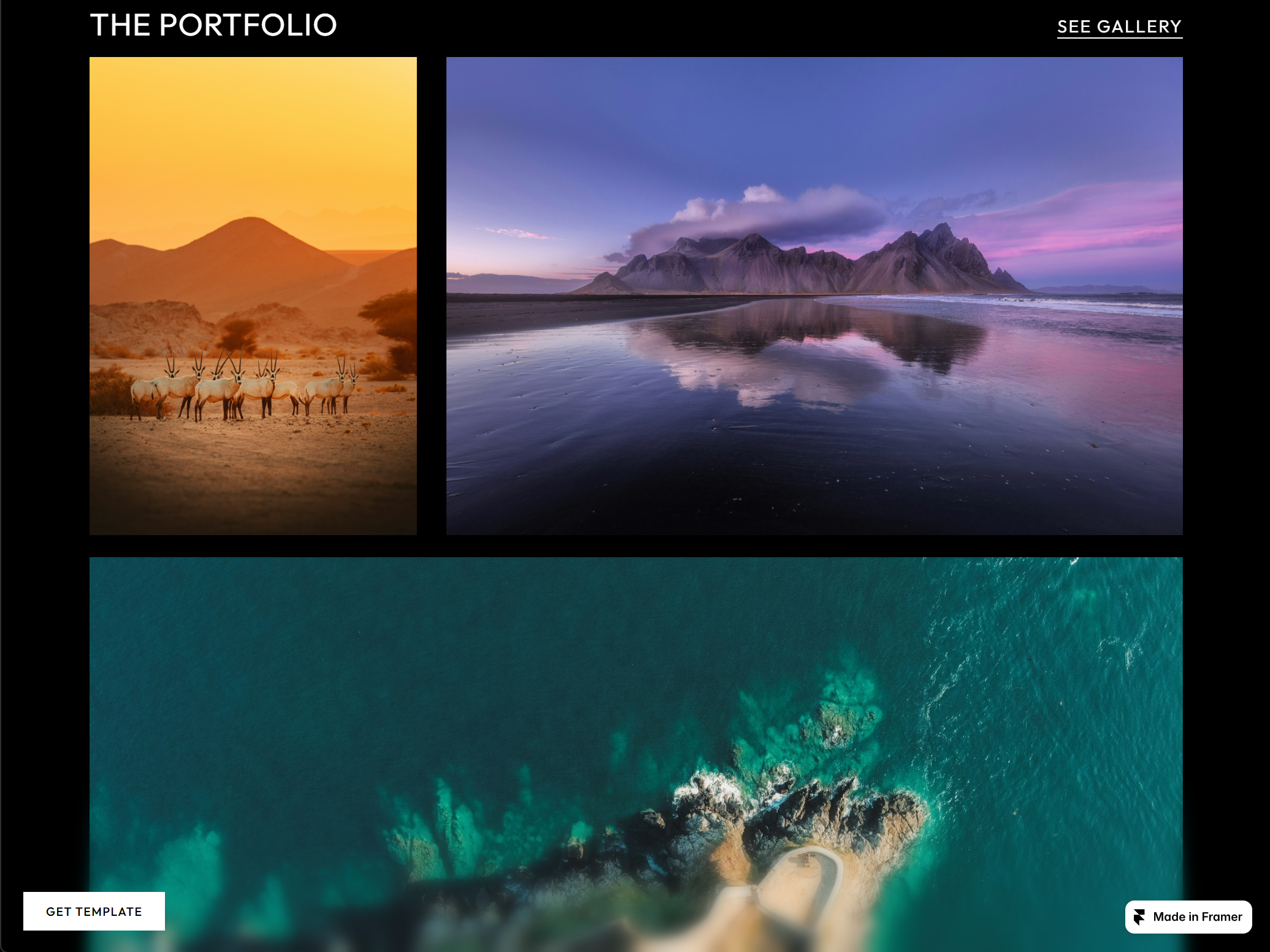
Full-height hero, then asymmetric photo grids with hover zoom — images before words
-
About section with a signature hover-fill animation
-
Editable service cards
-
Word-by-word animated call-to-action
Contact
-
Clean borderless form — Formspree or mailto, switchable
-
Info + social column, per-item hover
-
Staggered reveal animations
Made to customize
-
Deep panel controls on every component: Content, Colors, Typography, Layout, Animation, Visibility
-
Dark/light color pairs, weight controls on every text element
-
Image-fill headlines, sticky nav, slide-in mobile menu, dark/light toggle, scroll indicator
-
Bebas Neue + Outfit via Google Fonts
-
Sharp-edge design, one accent color restyles everything
GET STARTED
Duplicate the template, drop in your photos, swap the text, connect your form, and publish.
Tags:

Author
PetomiSimilar to EXP0SURE
More from Petomi
Link to FramerPanda. Get your template featured.
Earn a promotional badge and get featured by linking to FramerPanda — contact us with your template and the page containing your link.
6 promotional slots · Up to 30 days · When full, the longest-running promotion ends for the next supporter. Stay on our supporters list while your backlink remains verified. No payment required.
 bisibility — Free beta: Monitor your Framer site’s keywords, rankings, and visibility in Google Search.