ProjectPeek
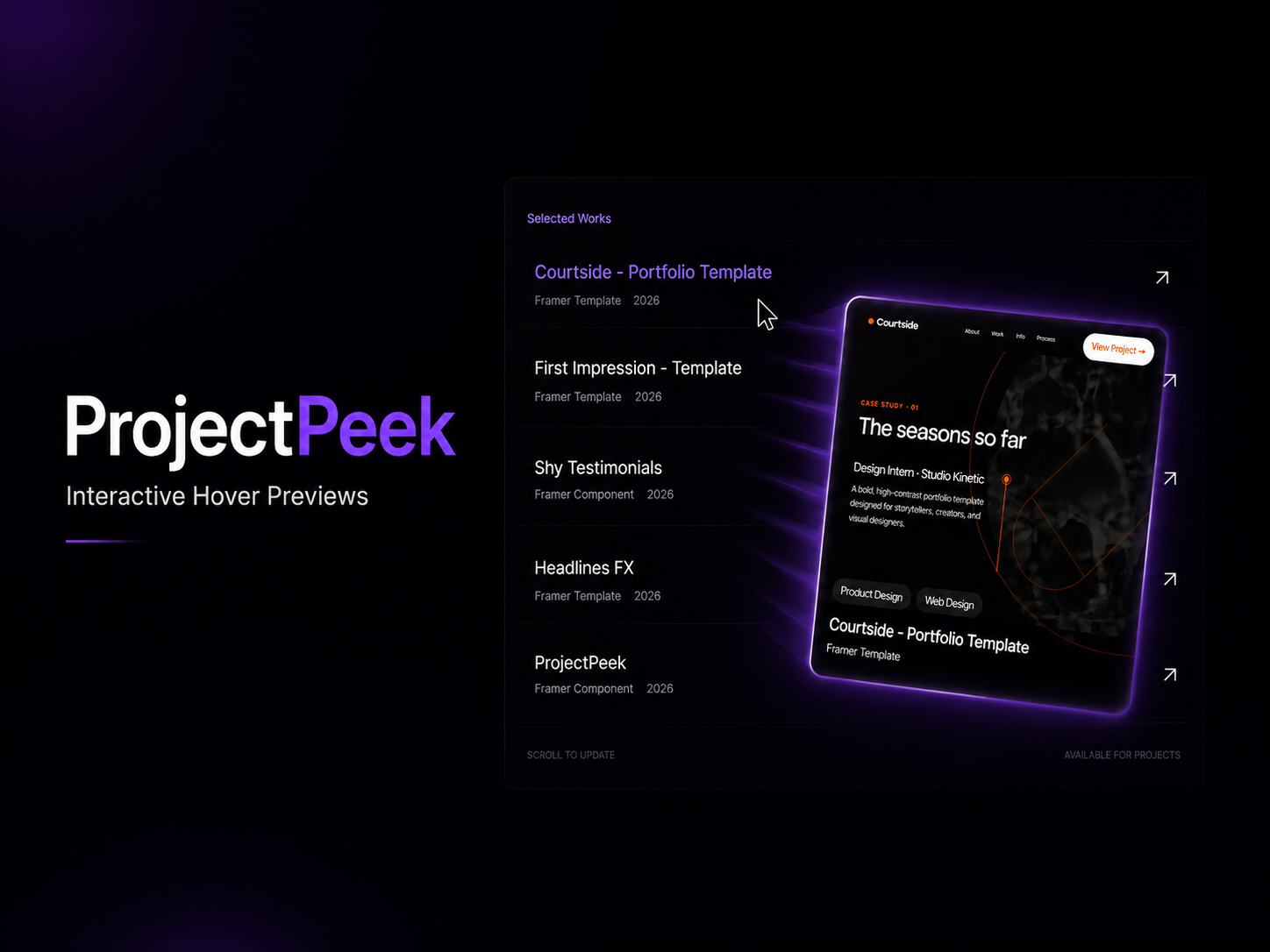
Interactive Hover Previews — ProjectPeek by Shreyansh Shrivastava — explore this Framer Template on the Framer Marketplace and customize it in Framer's no-code website builder.
Here it is — copy-paste ready:
ProjectPeek Your cursor just became a preview window.
Turn static project lists into interactive hover experiences.
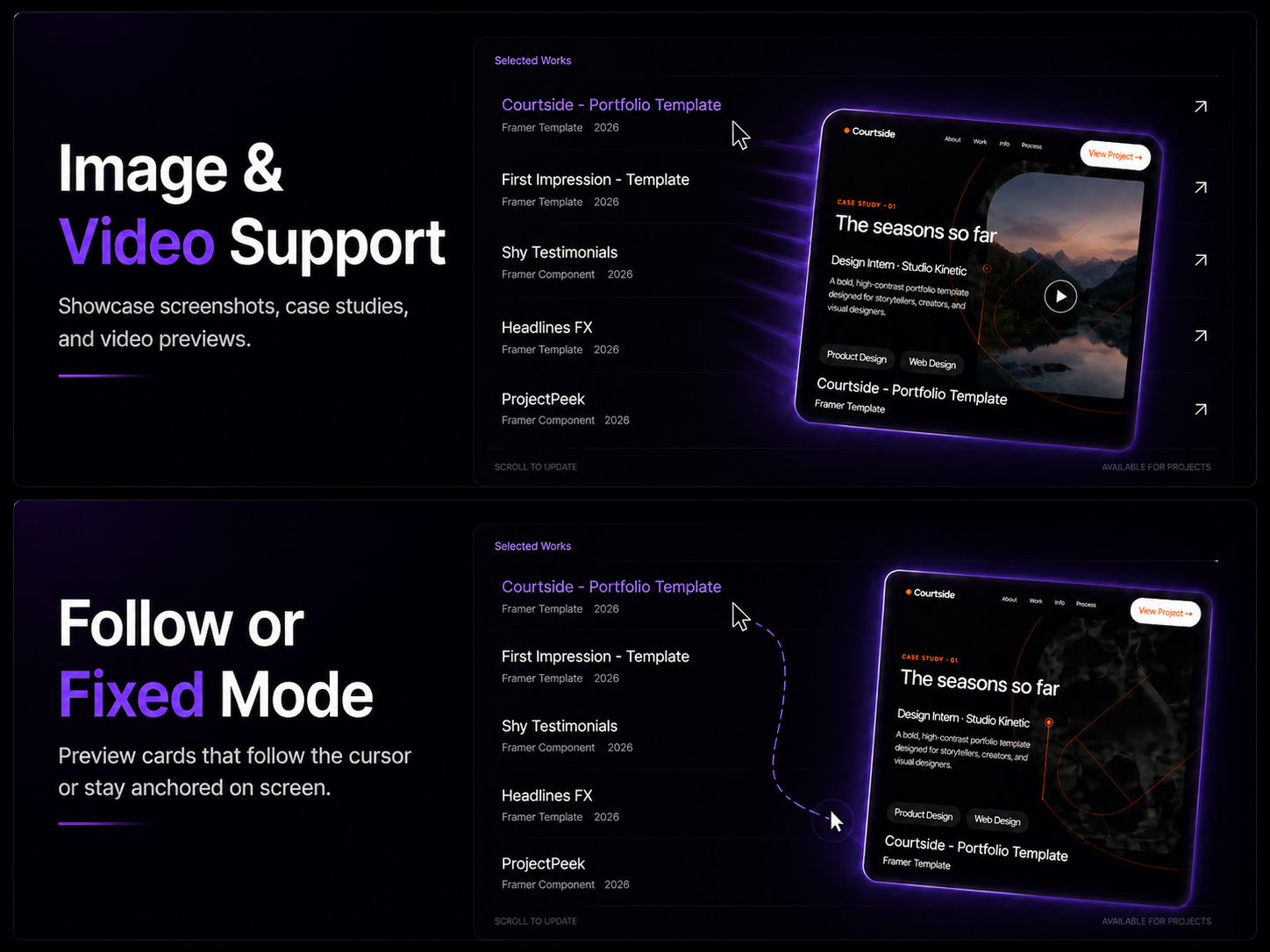
Static project lists get scrolled past. ProjectPeek makes visitors stop — floating image and video previews follow the cursor the moment they hover over a project, case study, or portfolio item. It's the kind of detail that makes people think "wait, how did they do that."
Built with real spring physics, so every interaction feels alive and responsive — not canned or scripted. The kind of motion you see on high-end agency sites, now drop-in ready for Framer.
Simply drop it into your project, add your content, and customize everything through intuitive controls. No code required.
Perfect For
- Designer portfolios • Creative agencies • Freelancers • Product showcases • Case study libraries • Studio websites
Features
-
Cursor-following floating preview card with spring-based motion
-
Image and video preview support
-
Multiple glow styles and shadow controls
-
Magnetic pull and depth tilt on hover
-
Metadata overlays with titles, categories, and tag badges
-
CTA buttons with full customization
-
Fixed-position mode for layout flexibility
-
Mobile-friendly fallback experience
-
Fully customizable inside Framer — no code required
What's Included
-
ProjectPeek Component
-
Image + Video Support
-
Follow Mode + Fixed Mode
-
Metadata & Tag Overlays
-
CTA Buttons
-
Mobile Fallback
-
Full Customization Controls
Make your projects impossible to scroll past.
Tags:

Similar to ProjectPeek
More from Shreyansh Shrivastava 79x3db
Link to FramerPanda. Get your template featured.
Earn a promotional badge and get featured by linking to FramerPanda — contact us with your template and the page containing your link.
6 promotional slots · Up to 30 days · When full, the longest-running promotion ends for the next supporter. Stay on our supporters list while your backlink remains verified. No payment required.
 bisibility — Free beta: Monitor your Framer site’s keywords, rankings, and visibility in Google Search.